
Learn
How Querri thinks about data: start from the questions you need answered, the KPIs you track, and the definitions behind every number.
Querri documentation
Querri organizes your data around the questions your business asks and the KPIs you track. These docs show you how to think about your data, find your way around Querri, and put it to work.
Start with the ideas, learn what each screen is for, or go straight to a task.
How Querri thinks about data: start from the questions you need answered, the KPIs you track, and the definitions behind every number.
What each part of Querri is for, from chat and the Library to projects, dashboards, and settings.
Step-by-step help with real work: asking good questions, connecting and cleaning data, and sharing results.
Pick a job you need done and follow it from start to finish.
Short explainers, most under three minutes, each with captions and a transcript.
 1:30 Concepts Add data to Querri
 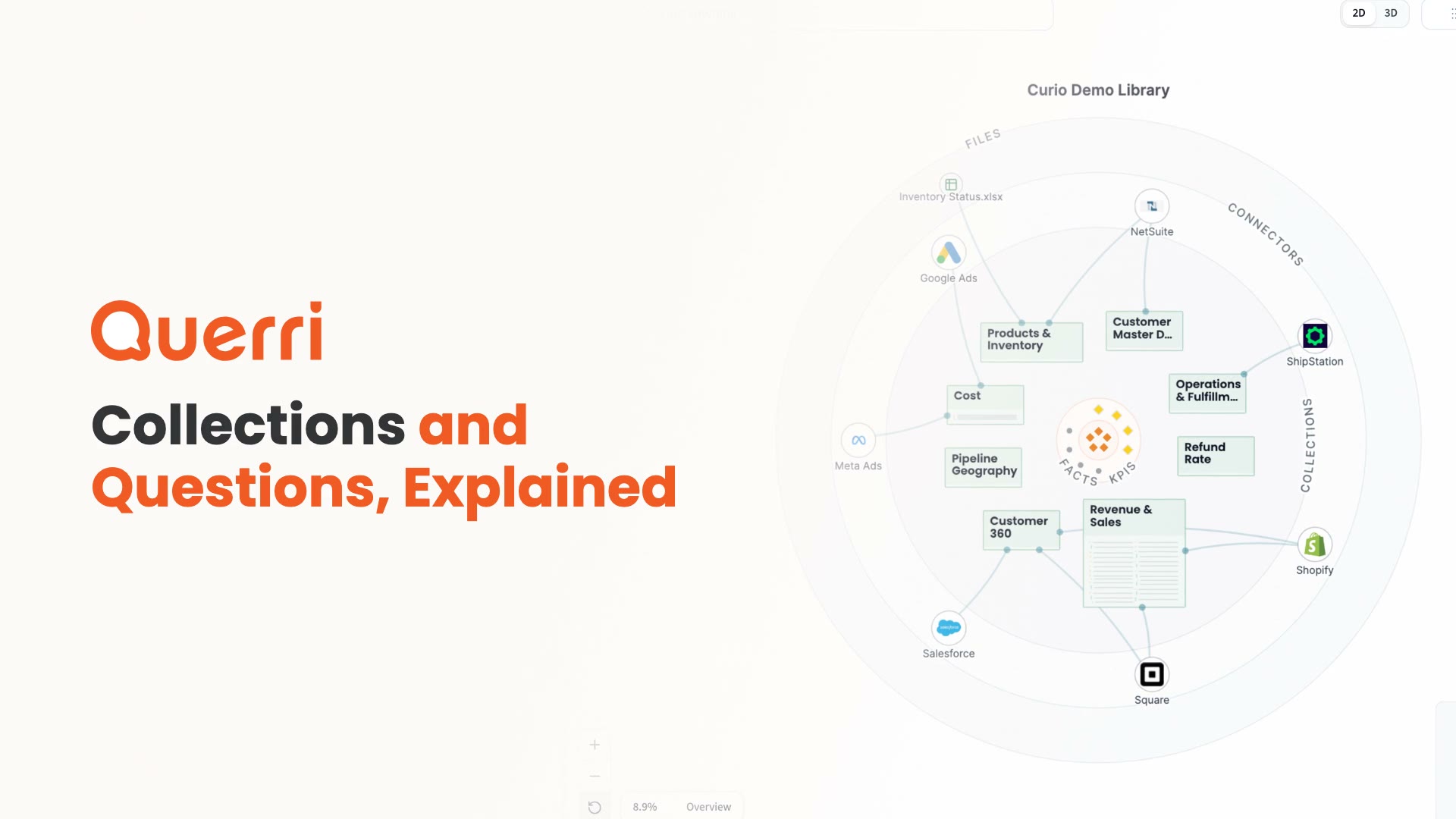 2:08 Concepts Collections and questions
 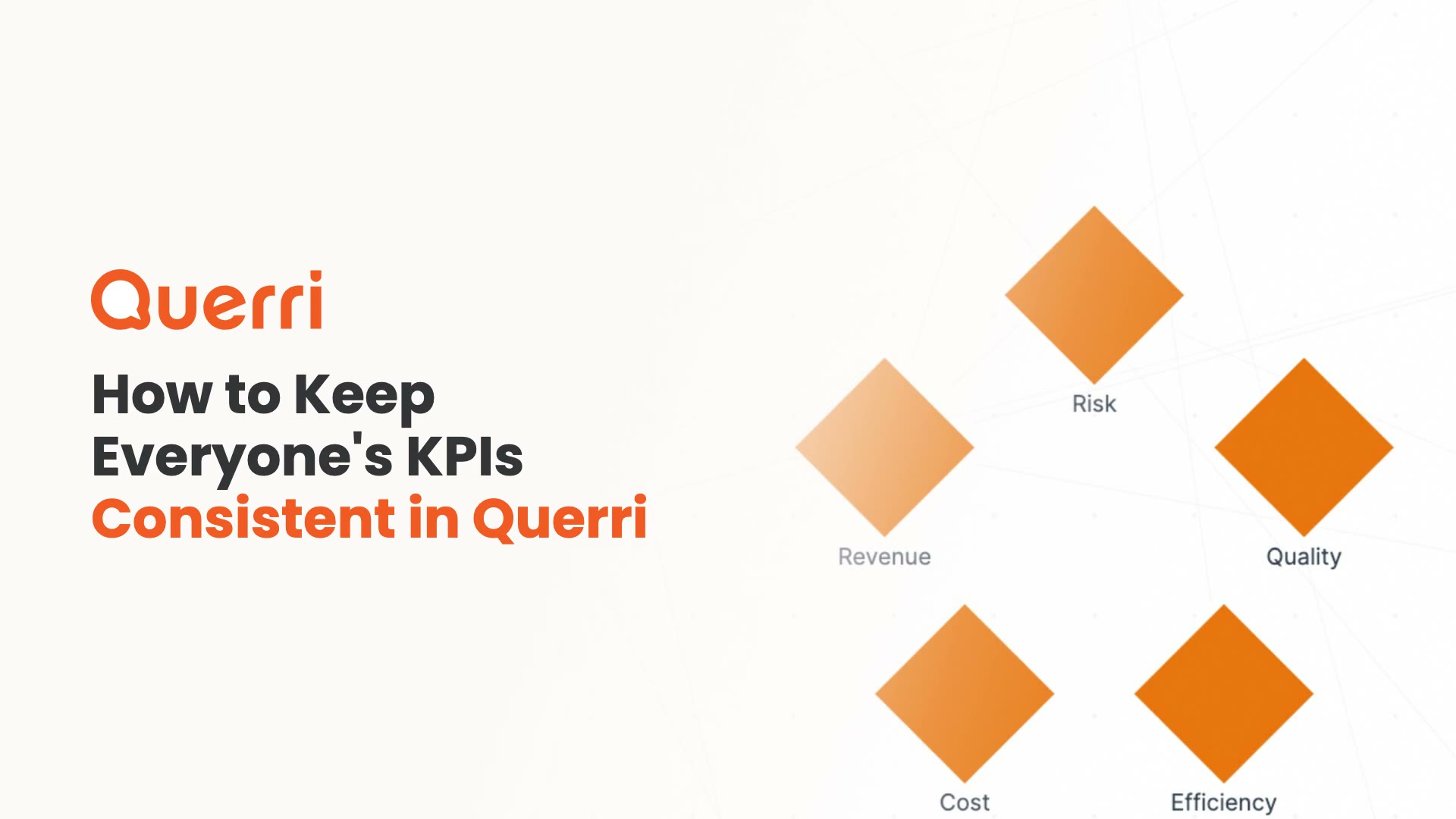 1:59 Concepts KPIs and the five dimensions
 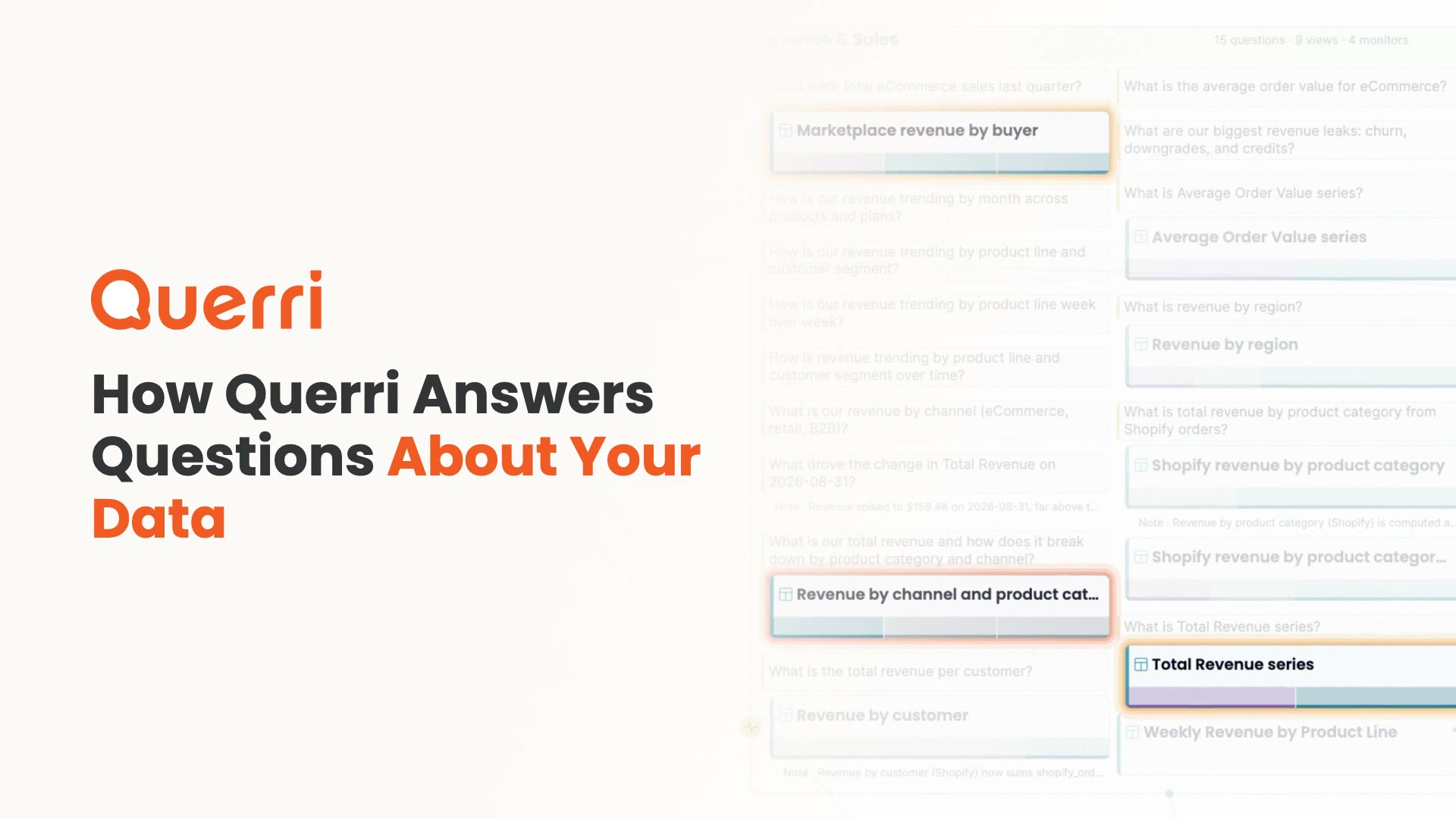 1:14 Concepts How Querri answers a question
  1:35 Use Querri What the Library is
 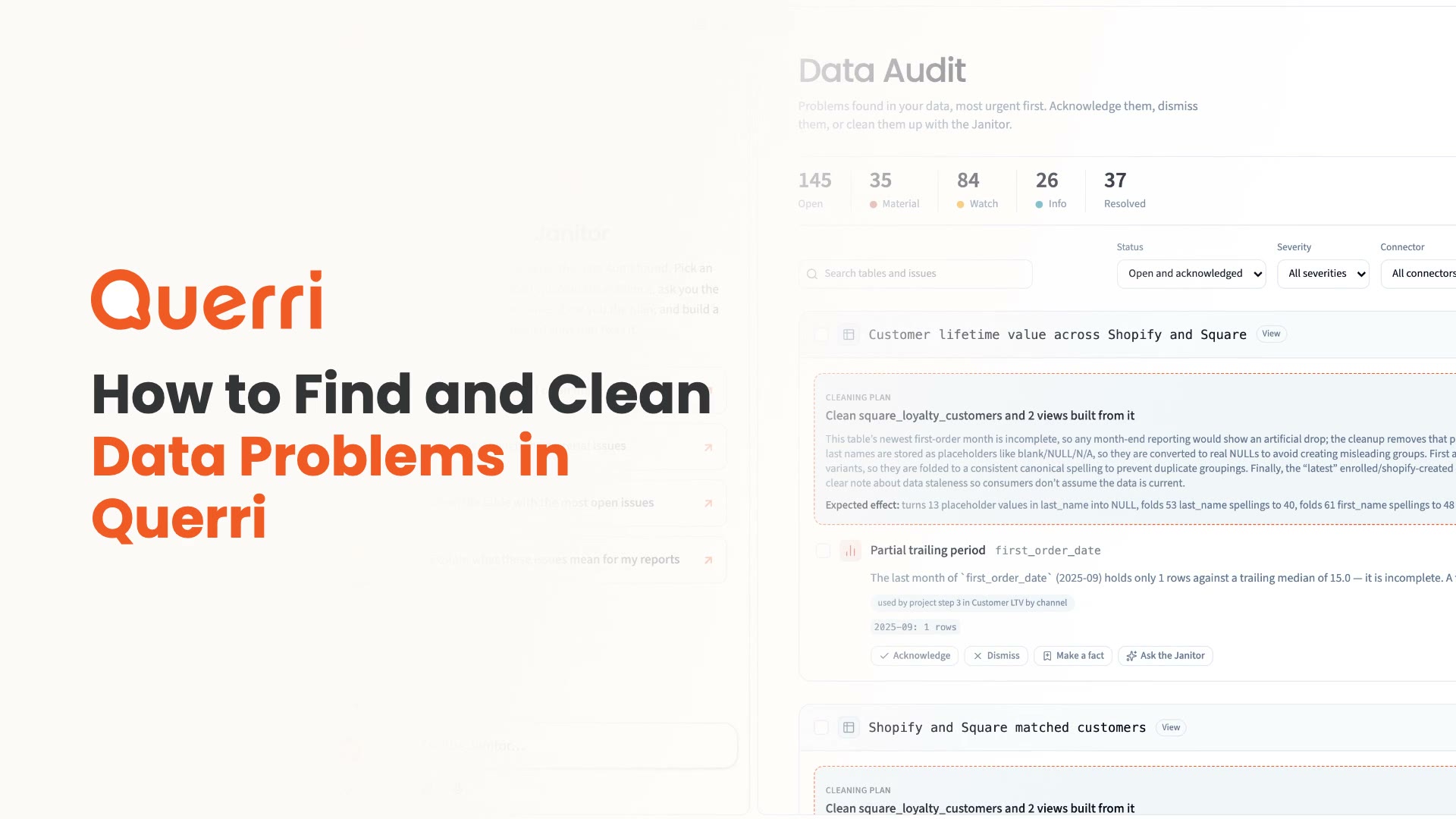 2:05 Use Querri Find and clean data problems
 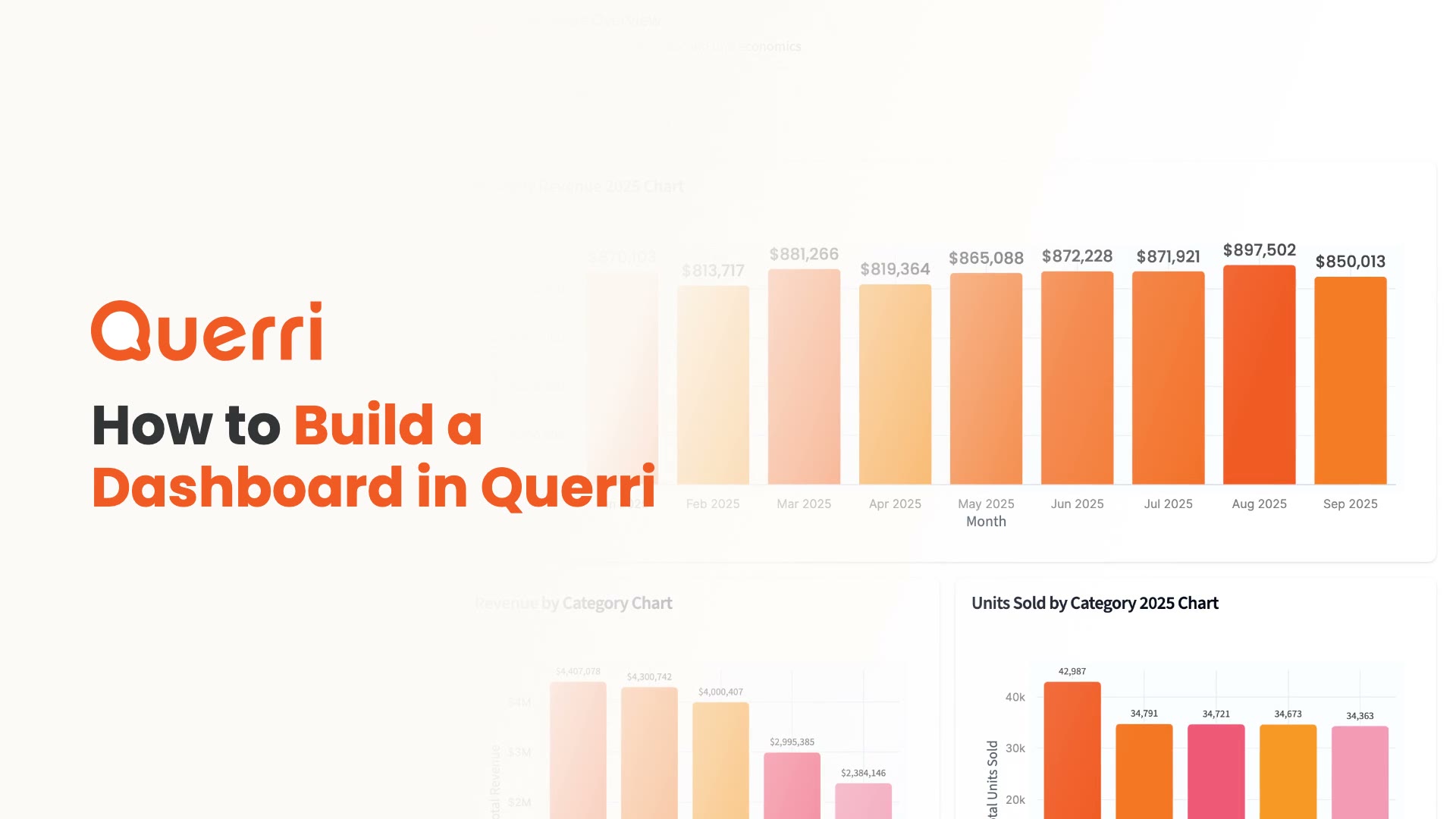 2:53 Use Querri Build a dashboard
 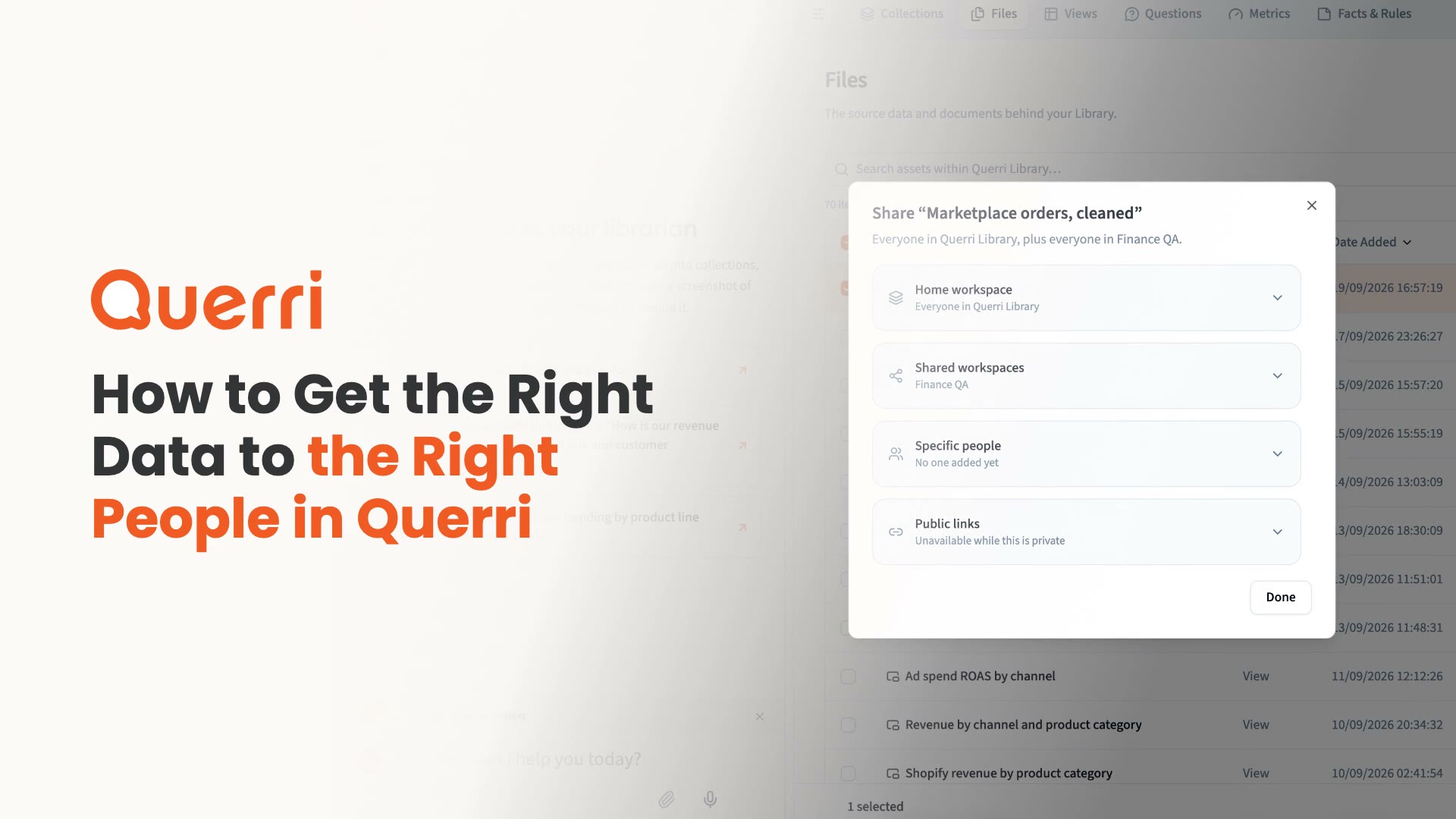 3:15 Security Who can see what
 A few concepts that explain most of how Querri behaves.
New pages for finding and fixing data problems and for building connectors with an assistant.
Bring your data in, decide who sees it, and work with Querri from your own tools.
Bring data in, send results out, and connect your own tools.
Control who sees what, manage API keys, and review activity.
Work with Querri from the API, SDKs, the CLI, or an AI assistant over MCP.